
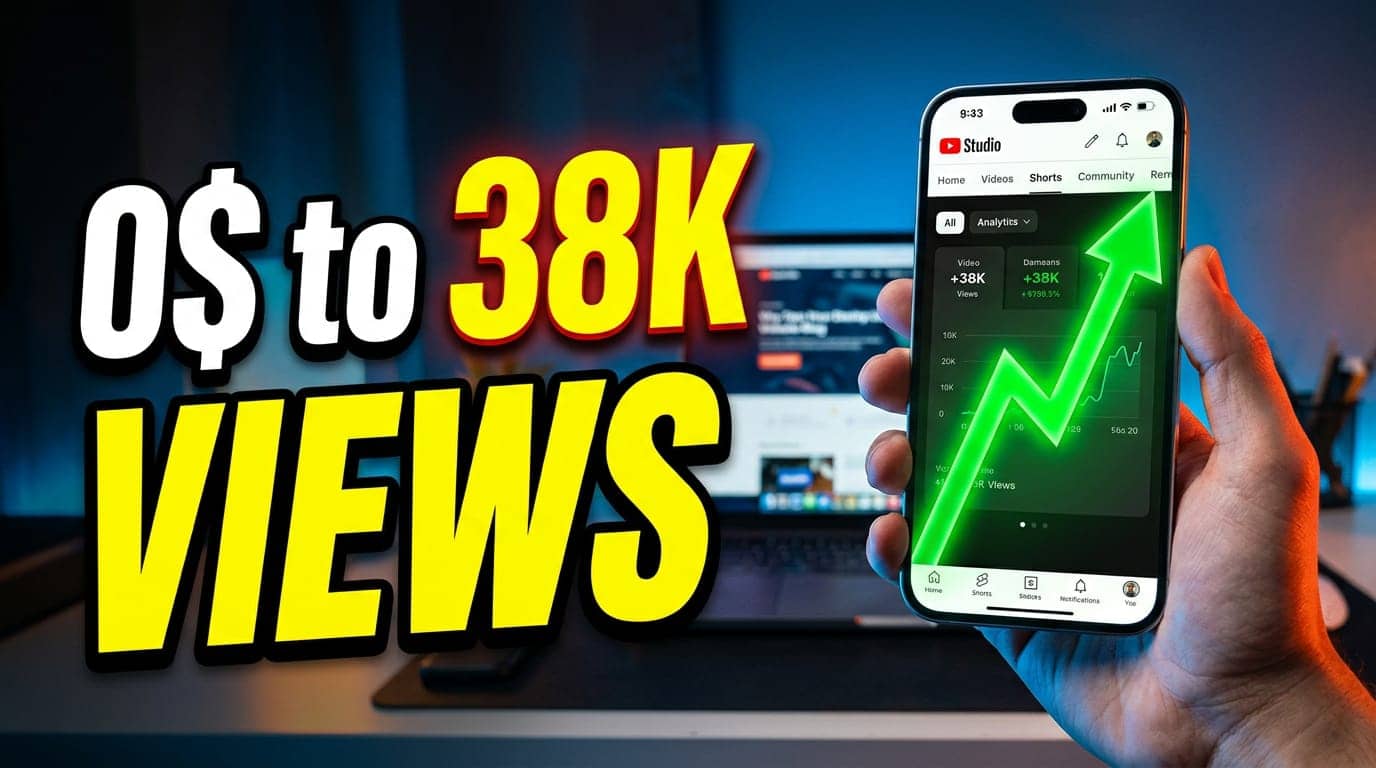
My first short video took me three hours to make. I wrote a script, filmed it six times, added captions, and picked the perfect trending song. It got 41 views. Thirty of those were me, my mom, and a friend who felt bad for me. That was before I truly understood short form video marketing for free traffic.
I almost quit right there. Then I posted a rushed, slightly messy 20-second clip about a mistake I’d made on my own blog, mostly because I had nothing else ready. That one got 38,000 views and sent a few hundred people to my website in a week, without a single dollar spent.
That was the moment I stopped trying to make “good” videos and started trying to make useful ones. Over the last couple of years I’ve tested short-form video for my own blog and for a few small businesses I help, including a home bakery and a freelance photographer. Most of what I tried flopped. Some of it worked surprisingly well.
This guide covers what I’ve learned, minus the hype. One honest note first: nobody can guarantee views, and anyone who does is selling something. Algorithms change, niches vary, and plenty of good videos get ignored. What you can do is give yourself better odds and build something that compounds over time.
Why Short-Form Video Can Drive Free Traffic

Platforms like TikTok, Instagram Reels, YouTube Shorts, and Facebook Reels all push videos to people who don’t follow you. That’s the big difference from a normal social post. A text update mostly reaches your existing audience. A short video can be shown to thousands of strangers if the platform thinks they’ll enjoy it.
That’s where “organic traffic” comes from. You make a video, the platform tests it on a small group, and if people watch and react, it gets shown to more people. Some of those viewers click your profile, visit your link, search your name, or join your email list.
Here’s the part beginners miss: short form video marketing for free traffic rarely sends huge direct clicks. Most viewers watch and keep scrolling. The real payoff usually comes through a mix of profile visits, branded searches, follows, and gradual trust. Think of it as top-of-funnel exposure, not a direct traffic faucet.
Step 1: Pick One Platform to Start
I made the mistake of launching on four platforms in one weekend. I burned out in three weeks.
Pick one and give it 60 to 90 days. Here’s how I’d choose:
- TikTok: Strong discovery for new accounts, great for entertainment, education, and niche communities.
- Instagram Reels: Good if your customers already use Instagram, especially for local businesses, lifestyle, food, and creators.
- YouTube Shorts: Useful if you want your videos to live longer and connect to a bigger YouTube presence.
- Facebook Reels: Often works well for older audiences and community-focused pages.
Once a video performs on one platform, you can repost it elsewhere. Just export a clean version without the original platform’s watermark, since some platforms may reduce reach for visibly reposted content.
Step 2: Get Painfully Clear About Who You’re Talking To
My early videos failed because they were for “everyone.” The bakery’s first videos were just pretty shots of bread with trending audio. They got a few likes and zero customers.
Then we asked a different question: who actually buys from this bakery? Mostly local families and people planning small events. So the videos changed to things like “How to store sourdough so it doesn’t go stale” and “What to order for a birthday party of 12.”
Views dropped on some posts, but local orders went up. Clear beats broad.
Before you film anything, write down:
- Who is this for? (Be specific.)
- What problem do they have?
- What do I know or do that helps solve their problem?
Step 3: Find Video Ideas That Already Have Demand
I don’t brainstorm in a vacuum anymore. Here’s where I look:
- The search bar on each platform. Type your topic and see what autocomplete suggests.
- Comments on other people’s videos. Questions in the comments are free video ideas. Just like finding local keywords for Google Maps SEO, you need to find what your video audience is actually asking.
- Your own customer questions. Emails, DMs, and things people ask in person.
- Google Search Console or Google Trends. They show what people search for around your topic.
- Competitors and similar creators. Note which of their videos got more engagement than usual, then make your own version with your own angle.
I keep a running note on my phone. Whenever someone asks me a question, it goes on the list. At any given time I have 30 or more ideas waiting.
Step 4: Use a Simple Video Formula

You don’t need a fancy structure, but a basic one helps. This is the one I use most:
1. Hook (first 1 to 3 seconds): Say or show something that makes people stop.
2. Value (the middle): Deliver the tip, story, demonstration, or answer.
3. Payoff or next step (the end): Finish with a result, a takeaway, or a light call to action.
Hooks that have worked for me:
- “I wasted $200 on this before I learned this trick.”
- “Three mistakes that make your sourdough flat.”
- “Nobody told me this about starting a blog.”
- Starting mid-action, with no intro, like already pouring the batter or already pointing at the screen.
Hooks that flopped:
- “Hey guys, welcome back to my channel.”
- Long setup stories before the point.
- Vague teasers with no payoff.
Platforms show you how long people watch. If most viewers leave in the first two seconds, the video is done. So I put the most interesting thing first, even if it feels backwards.
Step 5: Keep Your Setup Simple

You don’t need much. My basic kit:
- A smartphone. Mine isn’t a flagship.
- Natural light from a window, or a small ring light if the room is dark.
- A cheap tripod or phone stand. Shaky footage makes people leave.
- A lavalier or small clip-on microphone. Bad audio drives people away faster than average video quality does.
- CapCut, the built-in editors in Instagram and TikTok, or YouTube’s editor for trimming, captions, and music. If you want to save time and make your videos stand out, check out these best AI digital marketing tools for small businesses.
For captions, add them. Many people watch without sound. Auto-captions in CapCut and the native apps are decent, but always proofread them, especially when using short form video marketing for free traffic. Mine once turned “sourdough starter” into “sore dough starter,” and a commenter pointed it out within minutes.
Step 6: Make It Easy for Viewers to Find You
This is where most beginners lose the traffic they worked so hard to earn. They get views, but nobody knows where to go next.
Check these basics:
- Your bio: Say what you do and who it helps in one clear line.
- Your link: Use one link in your bio. A simple landing page or a tool like Linktree or Beacons works. Better still, link to one specific useful thing, like a free guide, your blog, or your booking page, not ten links.
- Your profile photo and name: Make them recognizable and consistent across platforms.
- A pinned video: Pin one that explains who you are and what viewers will get.
- Your call to action: Don’t beg. Say something natural, like “I wrote out the full steps on my blog, link’s in my bio.”
When I added a simple “free checklist” offer to my bio link, the number of people who clicked from my profile roughly tripled over the following month. I didn’t change the videos at all.
Step 7: Post Consistently, but Don’t Burn Out
I tried posting every day and wrecked myself by week three. What works for me now is three to four videos a week, batch-filmed.
Here’s my routine:
- One session a week to film 4 to 6 videos, usually in one go and in the same clothes, if I’m lazy.
- Another short session to edit and schedule them.
- A few minutes a day to reply to comments.
Consistency matters more than volume. A steady rhythm you can keep up for six months beats a frantic month followed by silence.
Step 8: Use Comments and Reactions as Fuel
Comments are free market research. When someone asks a question, I often turn it into the next video, and that gives me a built-in audience of at least one person.
Reply quickly, especially in the first hour after posting. It shows the platform that people are interacting, and it makes viewers feel noticed. I’m careful here: I don’t do the “comment YES for the link” stuff or ask for engagement in spammy ways. It feels cheap, and platforms can discourage it.
Step 9: Repurpose Without Being Lazy
One good idea can become several pieces of content.
- A blog post can turn into three short videos, each covering a single tip.
- A short video that did well can become a longer YouTube video or a carousel post.
- Customer questions can become a mini series.
I take my best-performing video each month and write a more detailed blog post around it. Then I mention the post in the video’s comments or my bio. That connection between video and website is where much of my actual traffic comes from.
Step 10: Review What Worked and Do More of It
Every platform has analytics. Once a week, I check:
- Average watch time and retention: Where do people drop off?
- Shares and saves: These often signal real value better than likes.
- Profile visits and link clicks: The numbers closest to traffic.
- Follower growth: Slow and steady is fine.
I log the top and bottom three videos each month in a spreadsheet, with a note on why I think each performed that way. Patterns show up quickly. For me, specific “how I fixed X” videos beat general motivational ones almost every time.
To see what’s actually landing on your website, check Google Analytics and look at traffic sources. Platform links sometimes appear as social referrals, and some show up as direct traffic. Using UTM tags on your bio link can help you track how well your short form video marketing for free traffic is really working.
A Real Example, Start to Finish

The freelance photographer I help had been posting pretty portfolio clips with no results. We switched approach.
She started making short videos answering questions her clients asked before bookings: “What should I wear for a family photo session?” “How early should I book for a wedding?” “Mistakes that make photos look stiff.”
She filmed them on her phone, in her studio, with no fancy editing. After about eight weeks, one video about outfit colors got a lot of local attention. She added a link to her booking page and a short note in the caption, and inquiries went up for the next few weeks. She booked several new sessions from people who said they’d found her through that video.
It didn’t happen overnight, and not every video worked. But the useful, question-based content built trust, and trust led to bookings.
Common Mistakes to Avoid
- Chasing trends that don’t fit your niche. Jumping on a viral dance might get views, but it won’t bring the right audience. Relevance beats reach.
- Making videos too long or slow. If the point isn’t clear fast, people swipe away.
- Ignoring audio quality. Echoey, muffled sound makes people leave even when the visuals are great.
- Posting without a next step. Views without a link, offer, or clear profile mean wasted traffic.
- Buying followers or using engagement pods. Fake engagement can hurt your reach and credibility. Real audiences matter more than inflated numbers.
- Using copyrighted music carelessly. Business accounts often have limited music libraries. Using unlicensed tracks can get your video muted or removed. Stick to the platform’s commercial-safe options or original audio.
- Giving up too early. Many of my best results came after weeks of low views. Try at least 30 to 50 videos before judging.
- Over-editing. My heavily polished videos usually performed worse than simple, natural ones. People want clarity and personality.
- Making unrealistic promises. Claims like “I made $10,000 with this trick” without proof damage trust, and some platforms and regulators take misleading claims seriously. Be honest about results.
A Realistic Timeline
Here’s roughly what I’ve seen, though results vary a lot:
- Weeks 1 to 4: Low views, lots of learning. You’re finding your voice and your format.
- Months 2 to 3: A few videos start outperforming the rest. Patterns appear.
- Months 4 to 6: If you’ve stayed consistent and focused, you may see steadier traffic, more followers, and some conversions.
Some people see traction faster, and some take longer. Niche, quality, and plain luck all play a part.
Final Thoughts
My 41-view disaster taught me something I’m grateful for now. Nobody cares how polished your video is if it doesn’t help them. The 38,000-view clip wasn’t good because of lighting or editing. It was good because it answered something people were wondering about.
If you’re starting, keep it small. Pick one platform. Write down ten questions your audience asks. Film three short answers this weekend, on your phone, in plain light. Post them, reply to every comment, and look at what happened a week later.
Free traffic isn’t truly free, since it costs time and patience. But mastering short form video marketing for free traffic is one of the few channels where a beginner with a phone can compete, and that’s worth taking seriously.
Frequently Asked Questions
Is short-form video still worth it for getting website traffic?
Yes, but set expectations carefully. It’s strong for discovery and building trust, while direct clicks are often modest. Combine videos with a clear bio link, a blog, or an email list to capture the interest you generate.
Which platform is best for beginners?
There’s no universal answer. TikTok often favors new accounts with fresh content, Instagram Reels suits visual and local businesses, and YouTube Shorts can help if you want long-term search value. Choose where your audience already spends time.
How often should I post?
Three to five times a week is a realistic target for most people. Consistency is more important than volume, and quality shouldn’t fall apart just to hit a number.
How long should my videos be?
Often 15 to 45 seconds works well, but length depends on the content. Make it as long as the idea needs and no longer. Watch time and completion matter more than hitting a specific number.
Do I need to show my face?
No. Many successful creators use screen recordings, voiceovers, hands-only demonstrations, or text-on-screen formats. Showing your face can build trust faster, but it isn’t required.
Do hashtags still matter?
They can help the platform understand your topic, but they’re not magic. A handful of relevant tags is usually enough. Clear captions and on-screen text often do more.
Why are my videos getting views but no clicks?
Common reasons: no clear call to action, a confusing bio, a link that doesn’t match what the video promised, or the video attracts entertainment viewers rather than potential customers. Fix the bio first, then make the next step obvious.
Can I reuse the same video on multiple platforms?
Yes, most people do. Remove visible watermarks from other platforms, adjust captions if needed, and keep an eye on each platform’s rules for original content.
Should I use trending sounds?
Sometimes, if they fit your content. A trending sound on a video that’s irrelevant to your audience won’t help you. Prioritize your message first and use trends as a bonus.
Is it okay to use AI tools for scripts or editing?
Yes, many creators use AI for brainstorming, captions, and editing assistance. Just review everything, keep your own voice, and follow each platform’s rules, which may include labeling certain AI-generated content.
How do I know if short-form video is actually working?
Track more than views. Watch profile visits, link clicks, email sign-ups, inquiries, and sales. Ask new customers how they found you. A video with modest views but real conversions beats a viral one that brings nothing.
What if I’m shy or uncomfortable on camera?
Almost everyone is at first. Start with videos where you talk over footage of your work, and gradually add yourself. My early videos were awkward, and nobody cared as much as I feared.
